

Set Useful Color Printing Defaults for Your Office
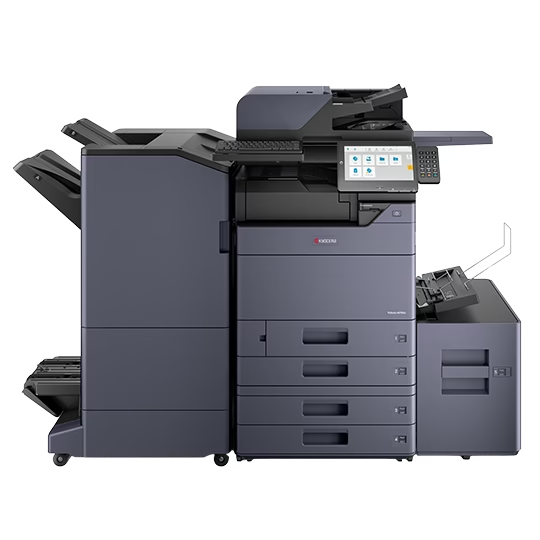
A clear color policy names the jobs where color matters and makes ordinary output predictable. Test defaults from staff computers, explain exceptions and review both usage and document quality.
Copier Hole Punching: Test the Binder Before Ordering
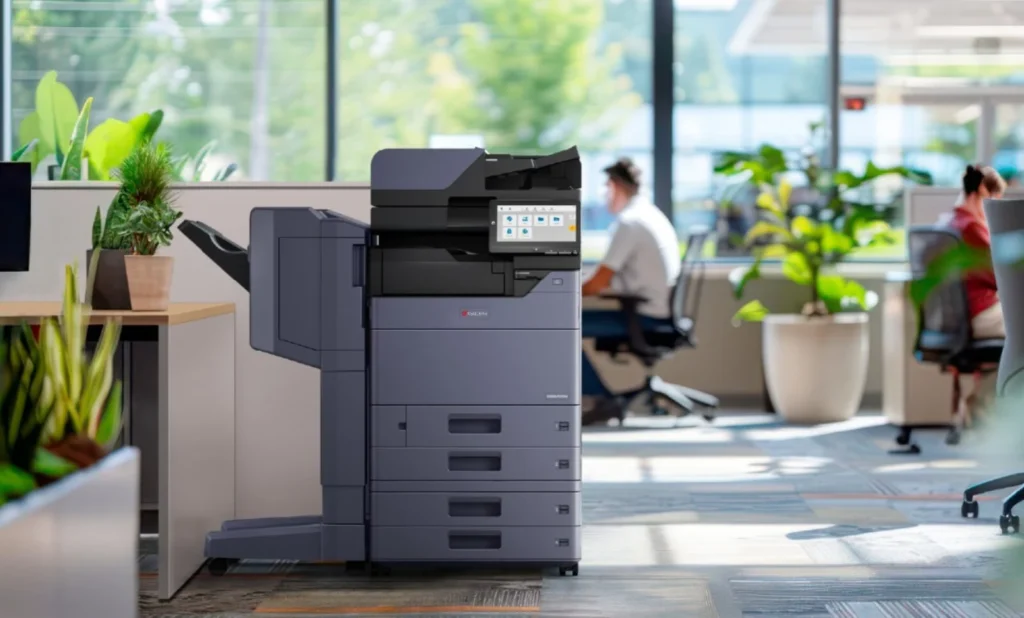
A punch option has value when the finished pages fit the intended binder. Bring the sample report and materials, test the complete assembly job and confirm the exact accessory in the proposal.
Hotel Back-Office Printers: Questions Before You Choose
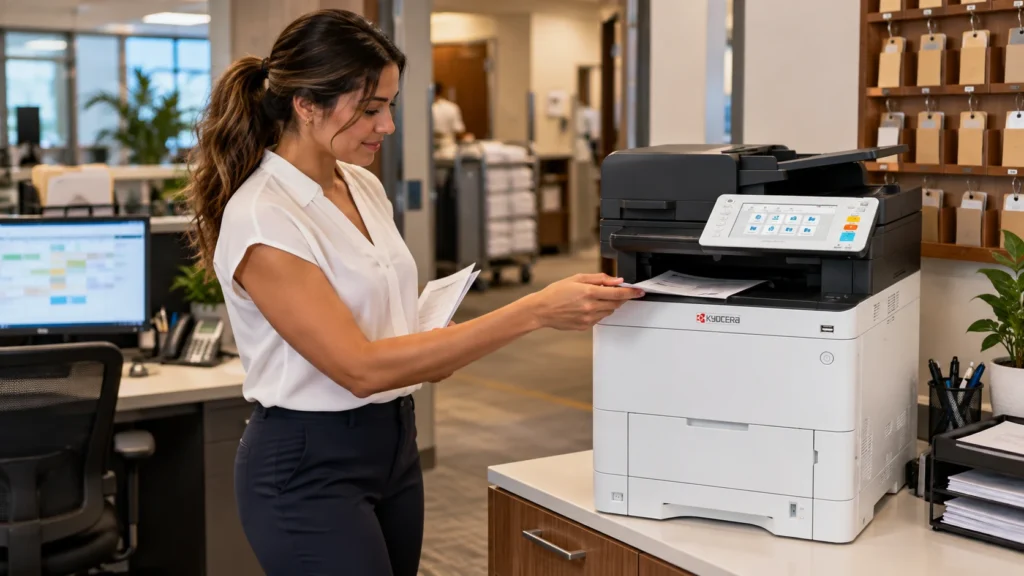
Hotel document work should be planned by department and handoff time. Identify essential output, capture destinations, paper requirements and support responsibilities before selecting equipment.
Changing IT Providers? Review Your Copier Connections

A familiar copier can depend on settings the new IT provider has not documented. Inventory its connections, preserve a working baseline and test staff workflows before completing the technical handoff.
Printer Planning for a New Fort Lauderdale Real-Estate Branch
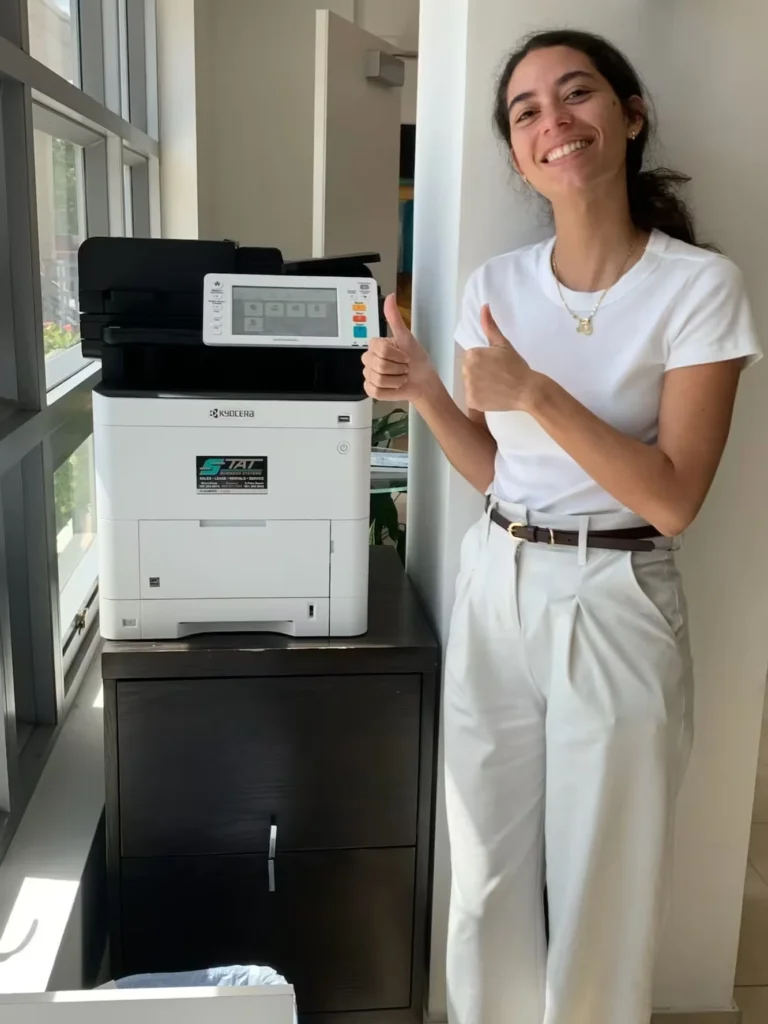
Branch equipment should follow document work rather than headcount alone. Identify administrative production, local color requirements and scan responsibilities before comparing a printer or shared MFP.
Reception Printer or Back-Office Copier for a Broward Clinic?

Separate the front desk’s immediate output from larger administrative jobs. A practical clinic equipment plan considers staff-only collection, document capture, device roles and the complete floor plan.
ECOSYS MA4000cifx vs PA4000cx: Multifunction or Print Only?

A workgroup that only prints electronic files has different needs from a team handling paper originals. Compare the two device roles, test real jobs and plan local support.
Can a Black-and-White Copier Scan Documents in Color?
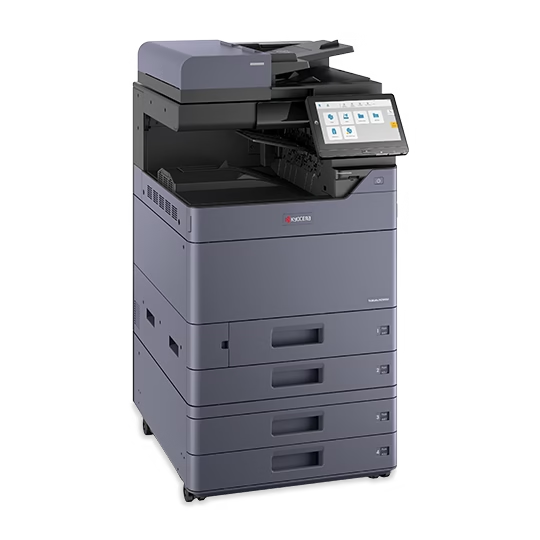
Paper output and document capture are separate requirements. Review a monochrome copier’s color scanning capability, test representative originals and confirm the file workflow before selecting equipment.
Kyocera MZ2501ci vs MZ3501ci: Which Fits Your Workload?
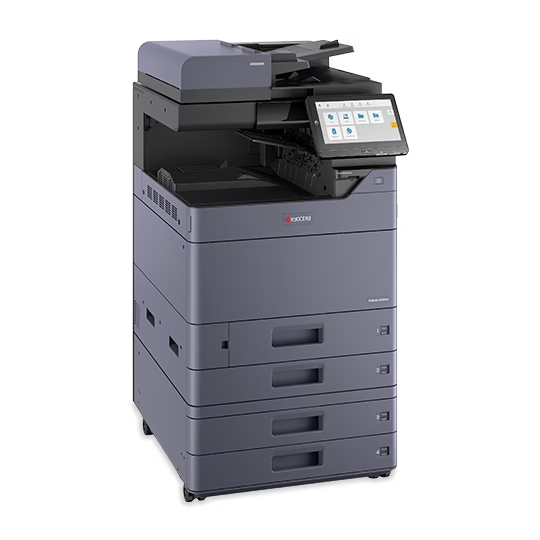
The 25 and 35 ppm models should be compared against recurring office jobs. Test the busy workload, required accessories and complete proposal before deciding which speed has a practical benefit.
How to Read a Copier Comparison Chart Before You Buy
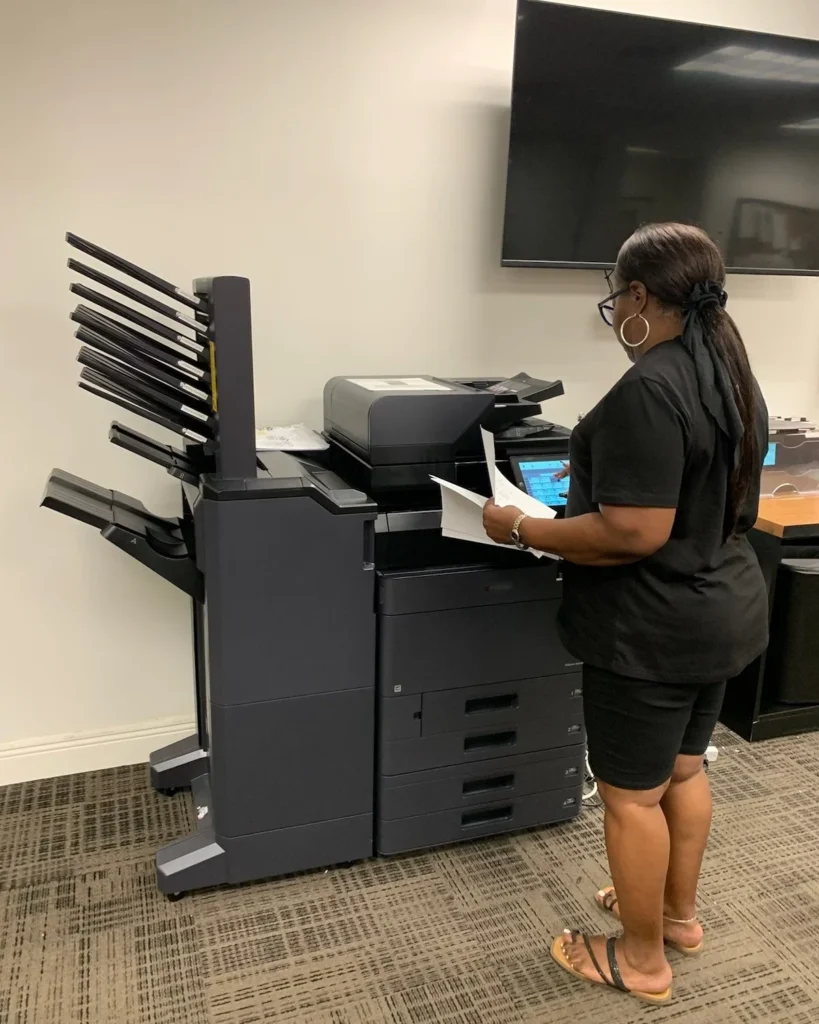
A comparison chart is useful when its qualifiers are clear. Connect published specifications with actual document tasks, then confirm the exact model and accessories in the proposal.