

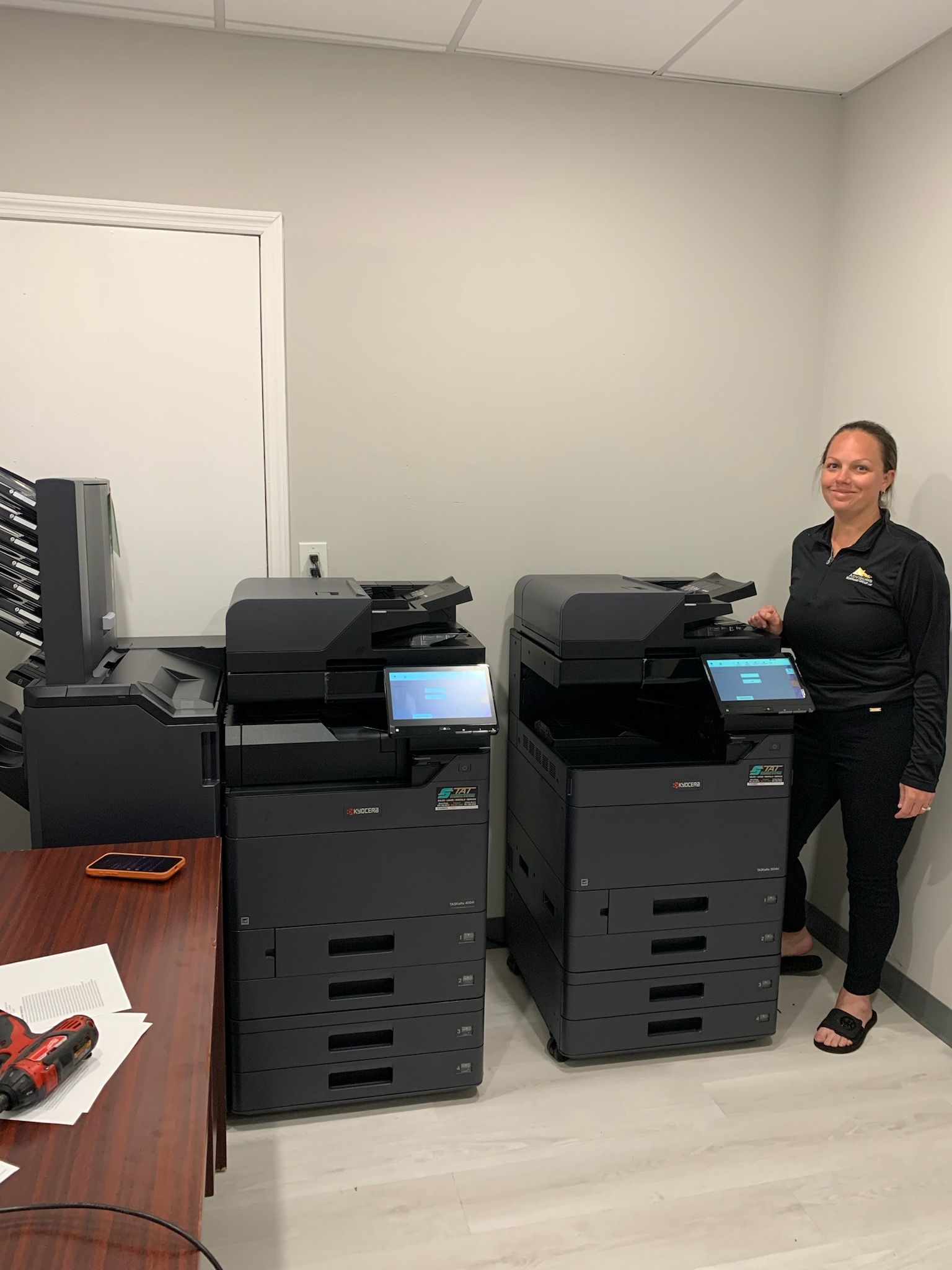
As we progress through 2026, the definition of office security has moved far beyond simple firewalls and password policies. For businesses in Sunrise, Fort Lauderdale, and Miami, the office multifunction printer (MFP) is often the most overlooked piece of the cybersecurity puzzle. If your office is still running equipment from five or six years ago, your hardware may be a quiet “back door” for network vulnerabilities.
At STAT Business Systems, we believe that security should be proactive, not reactive. A professional security audit of your document technology is the first step in protecting your firm from data breaches and regulatory fines.
The Risks of Outdated Office Technology
Older machines—even those that were top-of-the-line just a few years ago—often lack the modern communication protocols required to defend against 2026-era cyber threats. Common vulnerabilities in aging hardware include:
- Unsupported Protocols: Review the protocols and firmware actually enabled on the device. Disable obsolete settings where supported and assess replacement when a device no longer receives appropriate updates.
- Retained Data: Review internal storage, saved jobs, encryption and retention settings. Stored information and deletion behavior depend on the model and configuration.
- Network Exposure: Review enabled services, open ports, access restrictions and network segmentation for each device.
Modern Security Standards: What to Look For
When we perform a security audit for our South Florida partners, we look for the presence of three “gold standards” in modern office technology, all of which are standard in the new Kyocera EvolutionNext series:
1. FIPS 140-3 Federal-Grade Encryption
Kyocera lists FIPS 140-3-related security capabilities for the MZ series, including the TASKalfa MZ7001i. Confirm the applicable cryptographic module, firmware, certification scope and configuration for the installed model. FIPS identifies requirements for cryptographic modules; it does not by itself guarantee the security of every data path.
2. Automatic SSD/HDD Overwrite
For models such as the TASKalfa MZ5001i, review the device’s storage-protection and sanitization features. Confirm the installed storage type, encryption, job-retention settings and supported sanitization procedure for the exact model. Storage-protection features do not establish that every job erases every copy of a document. Include the device in your organization’s retention and end-of-lease disposal procedures.
3. TLS v1.3 Secure Communication
Use supported secure communication protocols appropriate to the destination. TLS 1.3 is one supported option, but protection also depends on endpoint configuration, certificates, access control and system maintenance.
How STAT Business Systems Simplifies Your Security
A security audit shouldn’t be a source of stress. Our team handles the technical heavy lifting by reviewing your current fleet and providing a clear risk assessment. If an upgrade is necessary, we manage the entire transition. We configure all security protocols—including LDAP authentication and IP filtering—at our local warehouse so your new copier lease arrives ready to defend your network.
For professional firms currently using legacy hardware, now is the time to evaluate your risk. You can contact our team for a free quote and schedule your no-obligation 2026 document security audit today.
Security Audit FAQ
How long does a document technology security audit take? Most audits can be completed in under an hour. We look at your hardware models, firmware versions, and current network settings to identify any immediate vulnerabilities.
Will upgrading our hardware affect HIPAA compliance? New equipment may support useful safeguards, but the organization must assess its risks and configure the whole workflow. A hardware purchase or certification does not independently establish compliance.
What happens to data on equipment we trade in? Agree on storage sanitization and service documentation before collection. Confirm the exact device, method, scope and completion record with STAT.
Can we implement secure printing without a new lease? In some cases, yes. We can often configure older machines with Secure Print Release via authentication cards, though the underlying encryption protocols may still be limited by the machine’s hardware age.
What monitoring is included? Confirm the scope, hours, permissions and response arrangements in your service agreement. Remote device-management capabilities should not be assumed to provide continuous security monitoring or incident response.