

ECOSYS MA4000cifx vs PA4000cx: Multifunction or Print Only?

A workgroup that only prints electronic files has different needs from a team handling paper originals. Compare the two device roles, test real jobs and plan local support.
Large Print Jobs: Plan the Queue Before a Busy Deadline
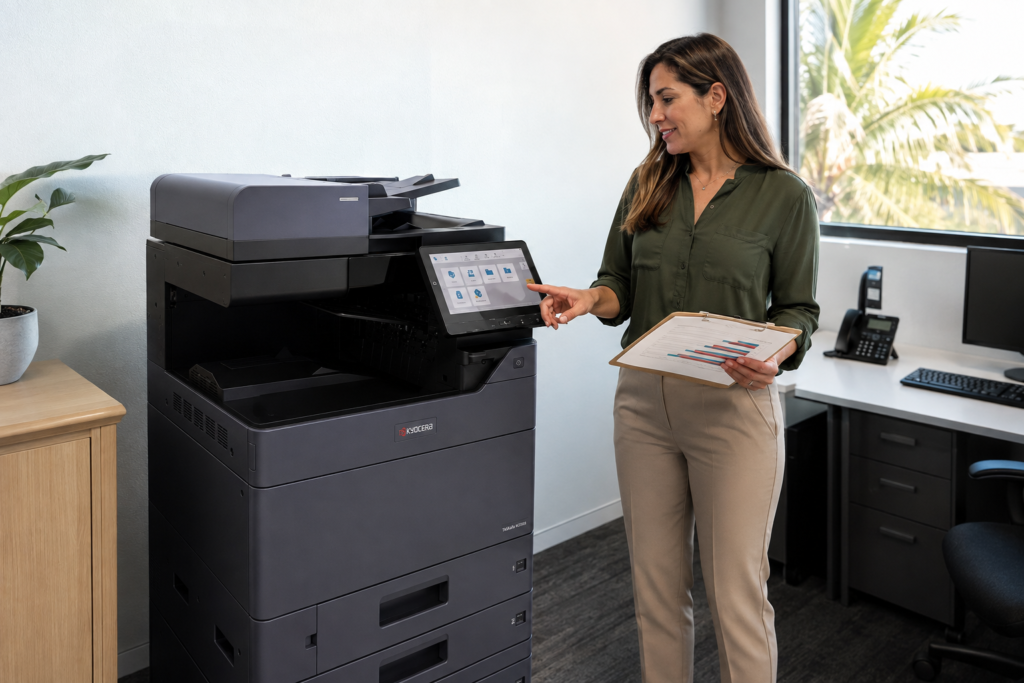
A large batch can interrupt everyday printing when nobody owns the queue. Estimate the complete workflow, approve one sample and agree on a pickup plan before sending the full job.
Printer Naming Conventions That Make Office Support Easier
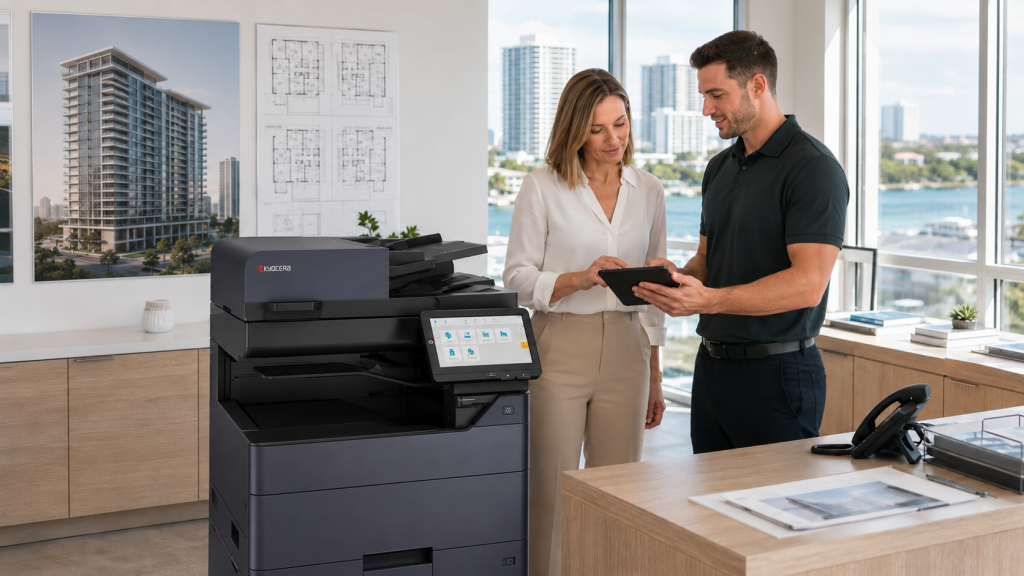
Confusing printer names create avoidable support questions. Match the device label, computer queue and equipment register so employees can find the right printer and describe a problem clearly.
Choosing a Printer for a New Business Without Usage History
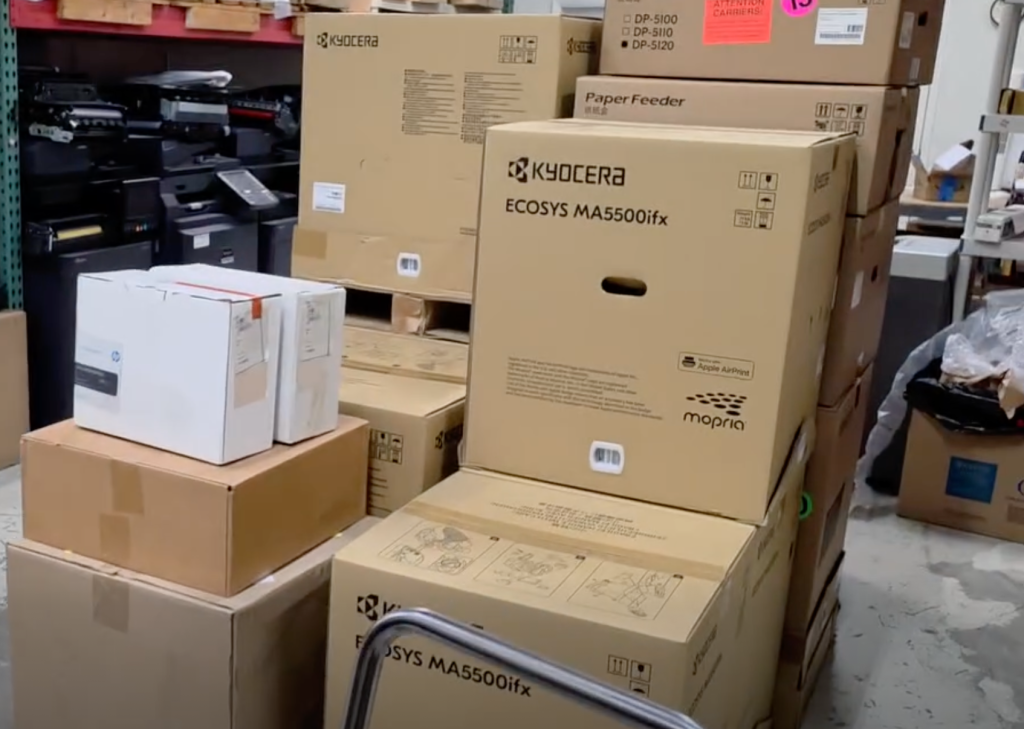
A new office can make a reasoned printer decision without last year’s meter readings. Build a task-based estimate, identify opening-day needs and review the assumptions before committing.
Envelope Printing on an Office Copier: A Buying Checklist
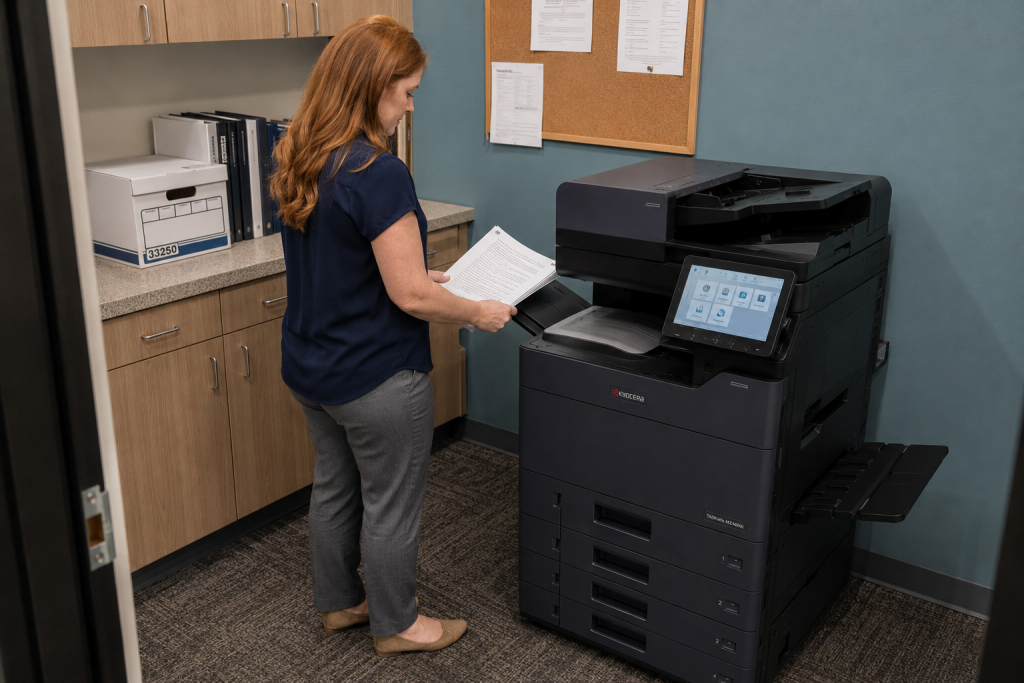
Envelope compatibility depends on the device, stock and feed path. Bring your actual envelope and address file to the demonstration, then document a repeatable process for the team.
Copier Paper Trays: Match the Configuration to Daily Jobs
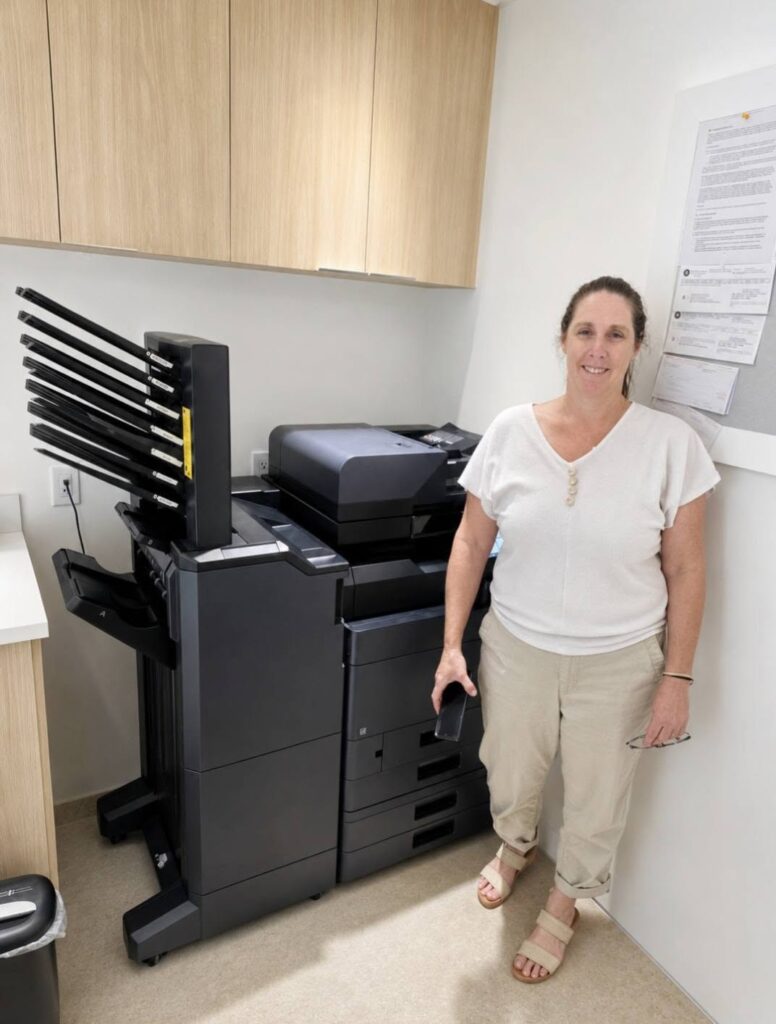
Paper capacity is only one part of tray planning. Identify the sizes and stocks that need to stay loaded, then test how the proposed copier selects each source during daily work.
Where Should You Put a Shared Office Printer?
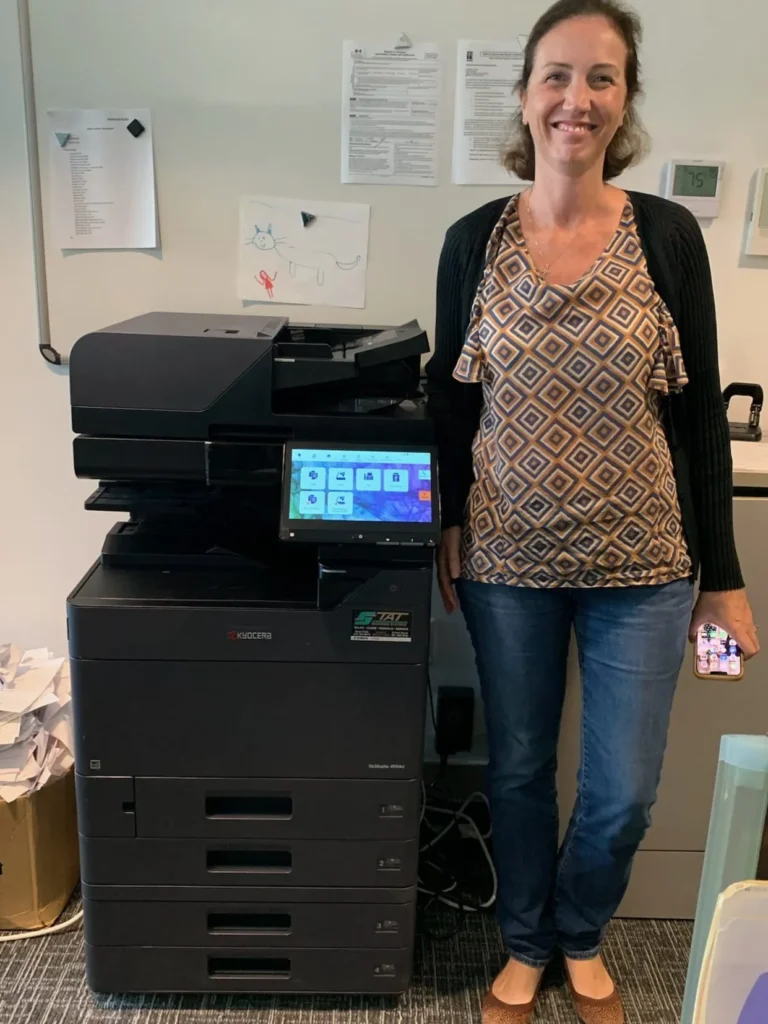
The best printer location supports the people using it throughout the day. Map document handoffs, check the full installed footprint, and leave room for supply changes and service before deciding.
Is It Time to Consolidate Your Office Printers?

From break rooms to back offices, it’s not uncommon to find a different printer in every corner of the workplace. But what feels convenient often leads to wasted supplies, bloated IT support time, and a total lack of print oversight. At STAT Business Systems, we help businesses across South Florida streamline their print environments with printer […]
Kyocera Expands ECOSYS Lineup with Advanced A4 Color Printers and MFPs

As businesses continue to adapt to hybrid work environments, the demand for high-performance, compact, and secure office printers is greater than ever. Kyocera has stepped up to meet these needs with the launch of its new ECOSYS A4 color printers and multifunction printers (MFPs)—a cutting-edge lineup designed to improve efficiency, security, and sustainability in any workspace. 📌 Learn more about these […]
Welcome to the STAT Family: How Kyocera Copiers Benefit HOAs in Florida

At STAT Business Systems, we’re thrilled to welcome a new homeowner association (HOA) in Palm Beach County to our growing family. This HOA has recently invested in two of the latest Kyocera color models to streamline their scanning, copying, and printing needs across two different locations. Although no one was available to strike a pose […]