

Can a Black-and-White Copier Scan Documents in Color?
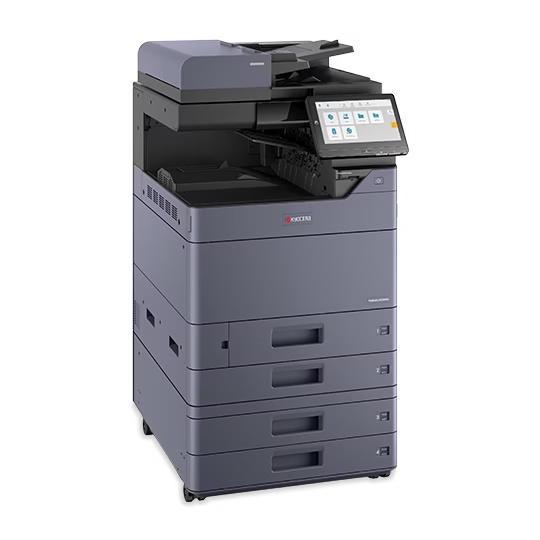
Paper output and document capture are separate requirements. Review a monochrome copier’s color scanning capability, test representative originals and confirm the file workflow before selecting equipment.
Kyocera MZ2501ci vs MZ3501ci: Which Fits Your Workload?
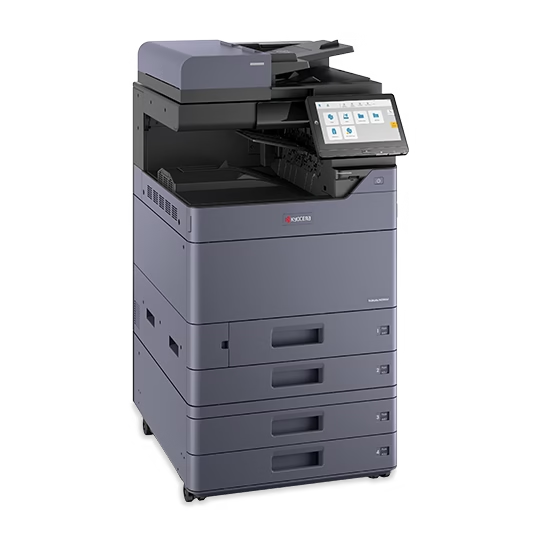
The 25 and 35 ppm models should be compared against recurring office jobs. Test the busy workload, required accessories and complete proposal before deciding which speed has a practical benefit.
How to Read a Copier Comparison Chart Before You Buy
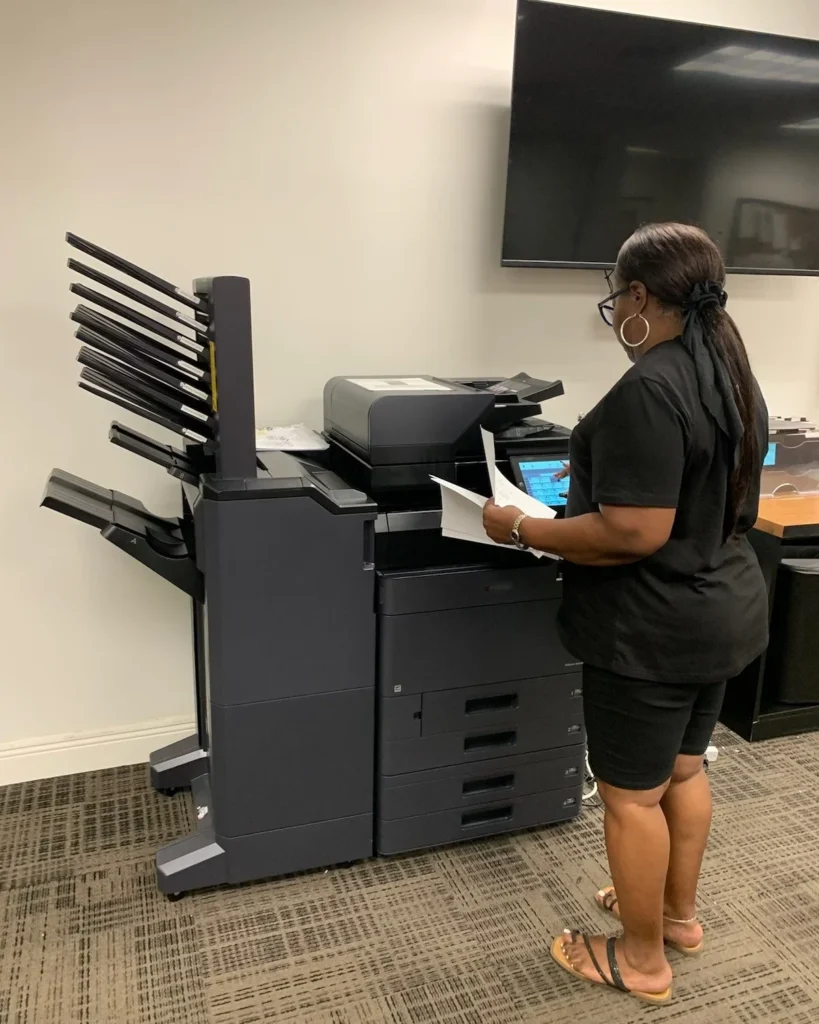
A comparison chart is useful when its qualifiers are clear. Connect published specifications with actual document tasks, then confirm the exact model and accessories in the proposal.
Color Proofing Before You Print the Full Office Run
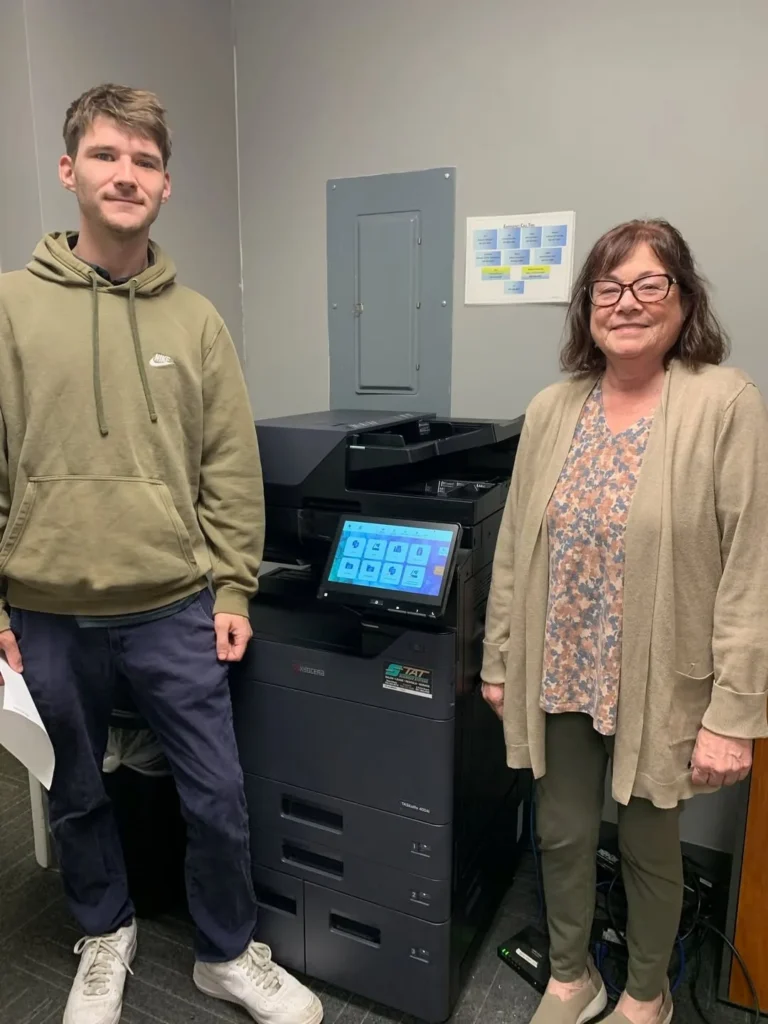
One approved proof can expose mistakes before they spread through a full run. Review the final file on the intended paper and copier, then keep the production settings consistent.
Do You Need the Fax Option on Your Next Office Copier?
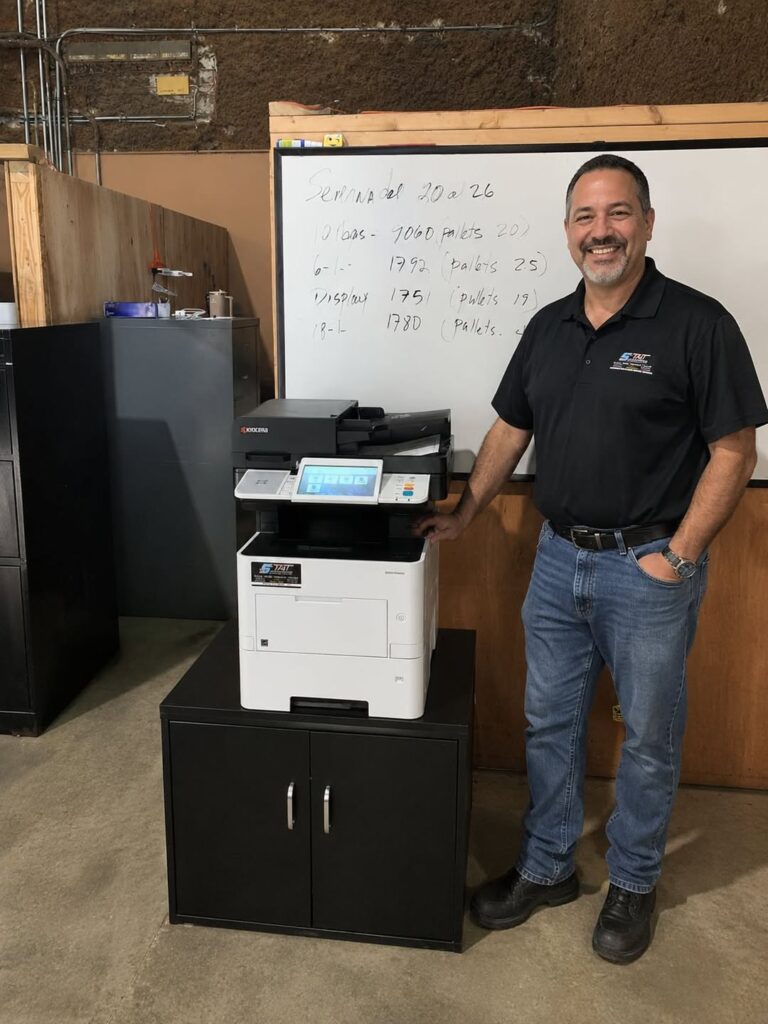
Fax should be an explicit requirement when it matters to your business. Inventory the current workflow, identify who receives documents and confirm the hardware and service arrangement before the changeover.
Envelope Printing on an Office Copier: A Buying Checklist
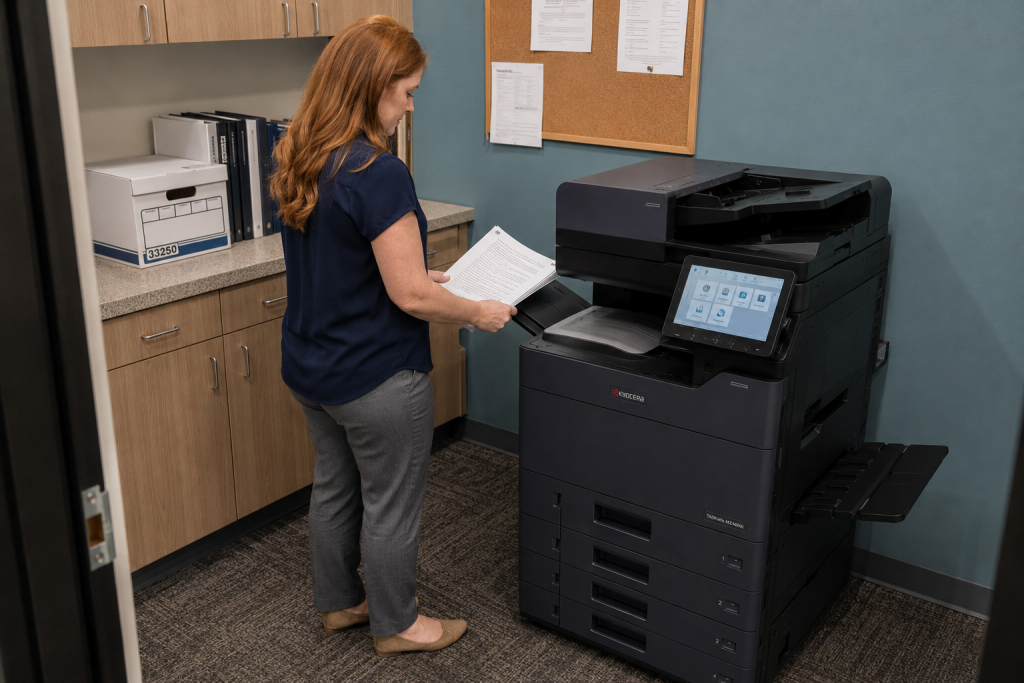
Envelope compatibility depends on the device, stock and feed path. Bring your actual envelope and address file to the demonstration, then document a repeatable process for the team.
Scanning Letter and Legal Pages Into One Usable File
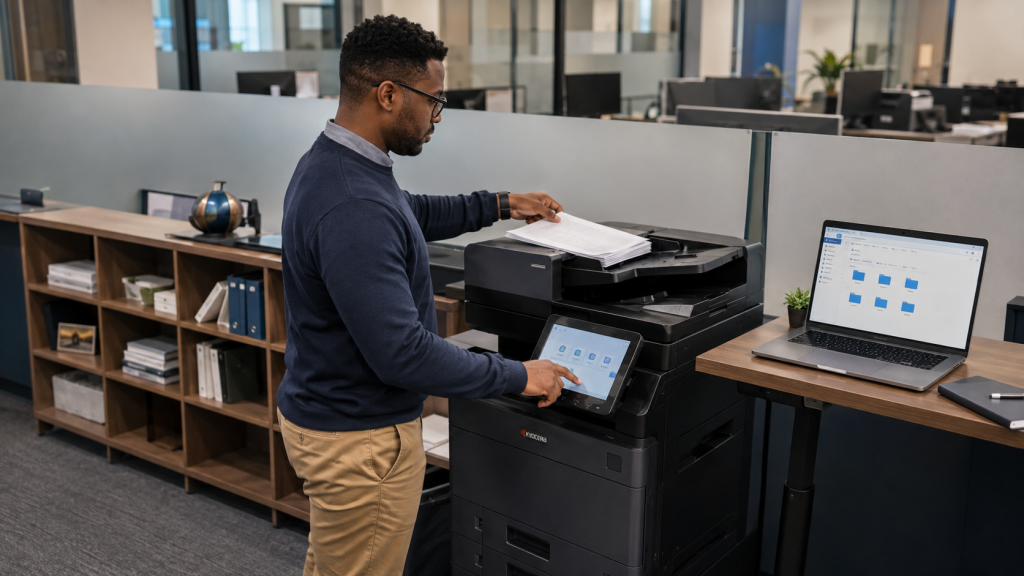
Mixed-size packets need more than a quick scan button. Test the feeder, preserve page boundaries and review the resulting file so letter and legal documents remain readable and easy to use.
Copier Paper Trays: Match the Configuration to Daily Jobs
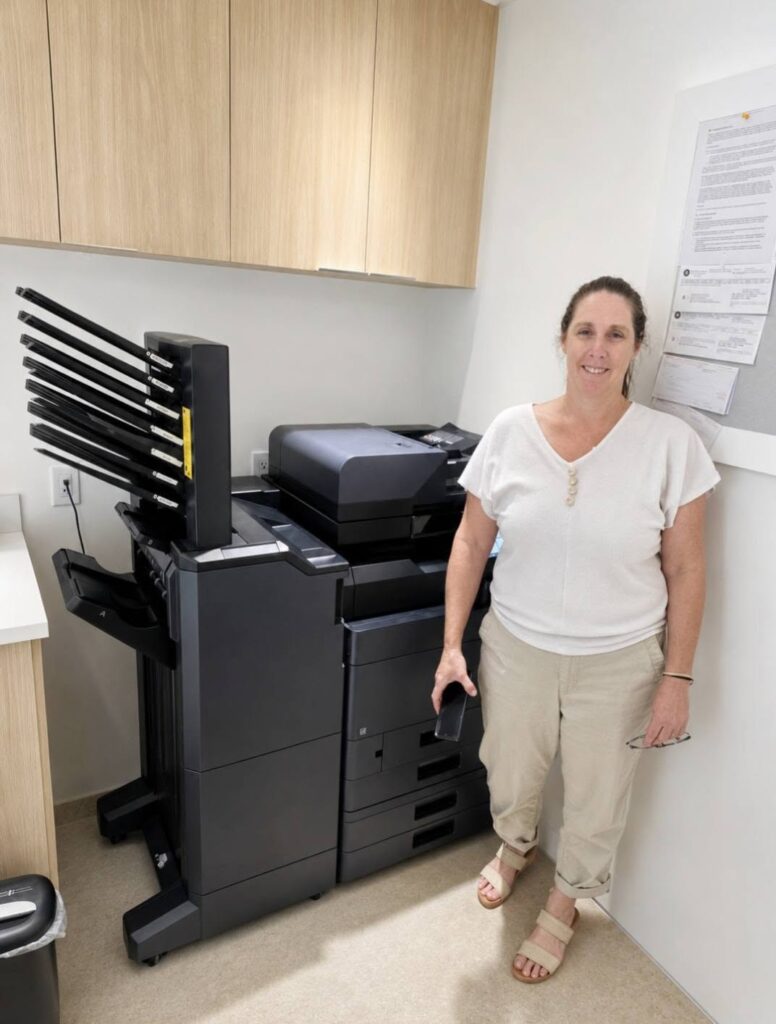
Paper capacity is only one part of tray planning. Identify the sizes and stocks that need to stay loaded, then test how the proposed copier selects each source during daily work.
Booklet Printing on an Office Copier: What to Specify
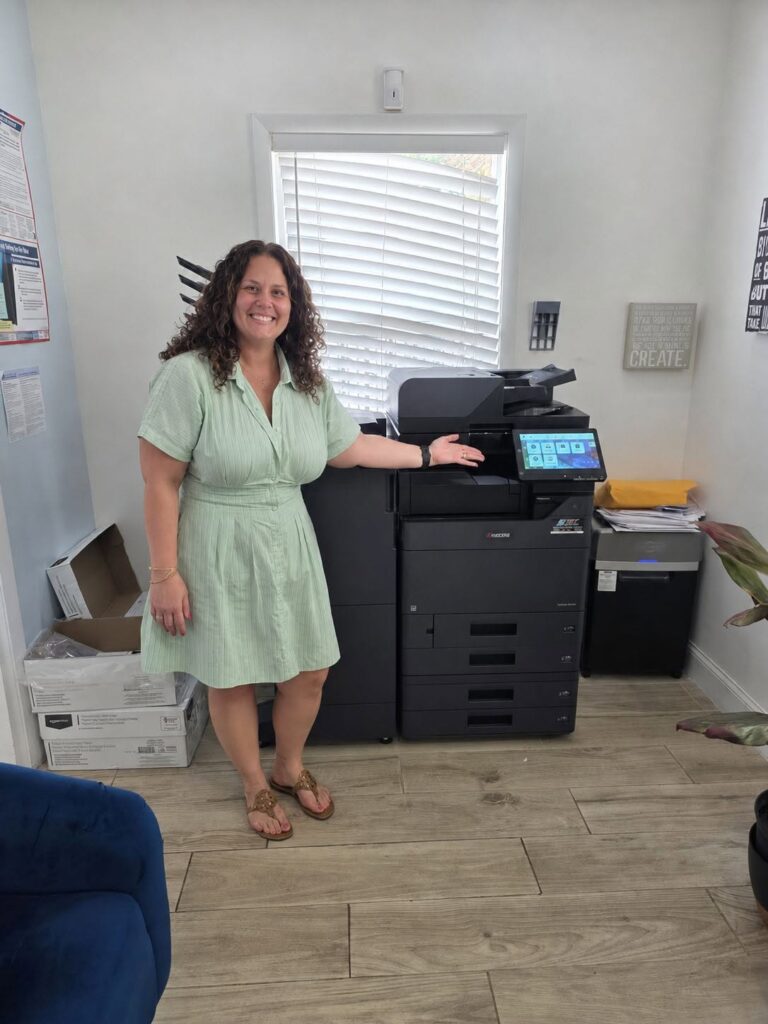
Booklet printing involves page order, folding and finishing as well as the copier itself. Use a real sample to identify the configuration your office needs before approving the equipment proposal.
10 Office Copier Tips You Didn’t Know You Needed

Office copiers are the unsung heroes of the workplace, dutifully churning out documents day in and day out. But did you know that your copier is capable of much more than just making copies? Unlocking its hidden features can save you time, improve document security, and boost overall productivity. Here are ten insider tips to […]