

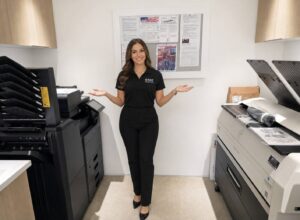
A premier South Florida commercial builder recently completed a construction office equipment upgrade across two important parts of its document workflow. The company chose a KIP wide-format system for construction plans and a Kyocera MZ series color copier with multi-bin output for everyday office documents. The result is not simply newer equipment. It is a more organized connection between estimating, administration, project management and the field.
Construction Office Equipment Should Match the Work
Construction companies do not have one uniform printing need. A full-size engineering drawing and a color project packet may be used on the same day, but they place very different demands on office equipment. CAD drawings, structural plans, site layouts and MEP documents depend on fine lines, accurate scale and legible callouts. Contracts, RFIs, submittals, bid packages and presentation materials require a flexible shared office system.
This long-term STAT customer needed a dependable way to copy, print and scan oversized drawings while also improving how regular office output was distributed. Instead of expecting one machine to do everything, we matched each part of the workflow with equipment designed for that job. Our broader selection of wide-format printers supports technical documents, while Kyocera color multifunction copiers handle the busy day-to-day work shared across departments.
KIP 71G Wide-Format System
Built for large black-and-white plans, the KIP system lets the team copy, print and scan engineering drawings without reducing them to standard office paper or sending every job outside.
Kyocera MZ Color Copier
The Kyocera MZ series supports color printing, copying and scanning, while its multi-bin mailbox gives users or departments their own assigned output destination.
From Engineering Plans to Organized Office Output
For a builder, document delays can quickly become operational delays. Updated drawings may be needed for estimating, permitting, project management or a field team. At the same time, contracts, schedules, reports, proposals and customer-facing materials still need to move through the main office copier.
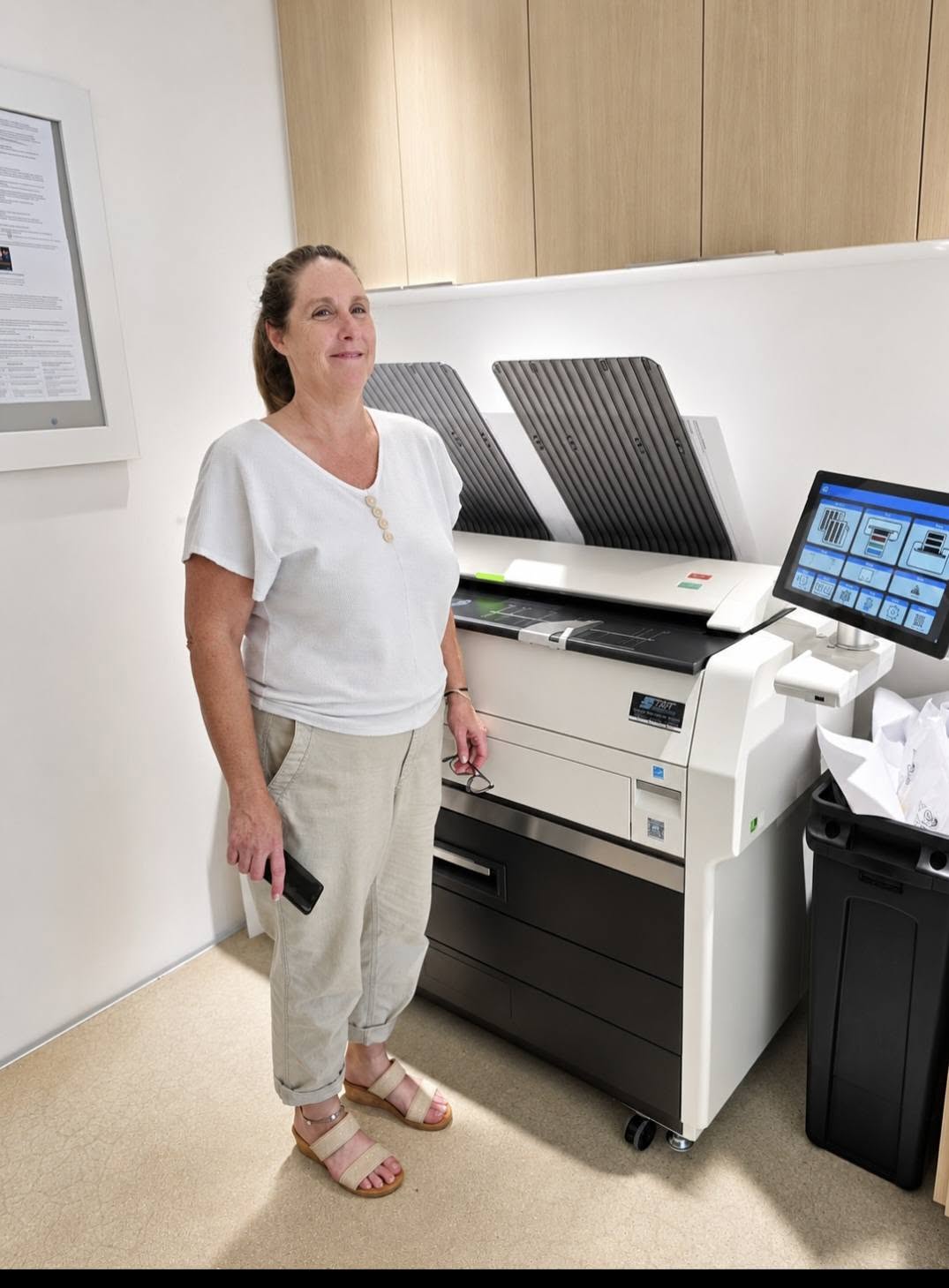
Keeping Large Drawings In-House
The KIP 71G Series B&W model is designed for technical document work. It handles wide-format black-and-white printing, copying and scanning, making it a practical fit for blueprints, CAD drawings, engineering plans, site layouts and other oversized project documents.
Available 71G configurations produce four or six D-size prints per minute, support media up to 36 inches wide and print at 600 × 2400 dpi. Those specifications matter when small notes, line weights and drawing revisions must remain clear across a complete plan set.
Its role in this office is straightforward: give the team fast access to readable, full-size drawings and make plan revisions easier to reproduce when project requirements change.
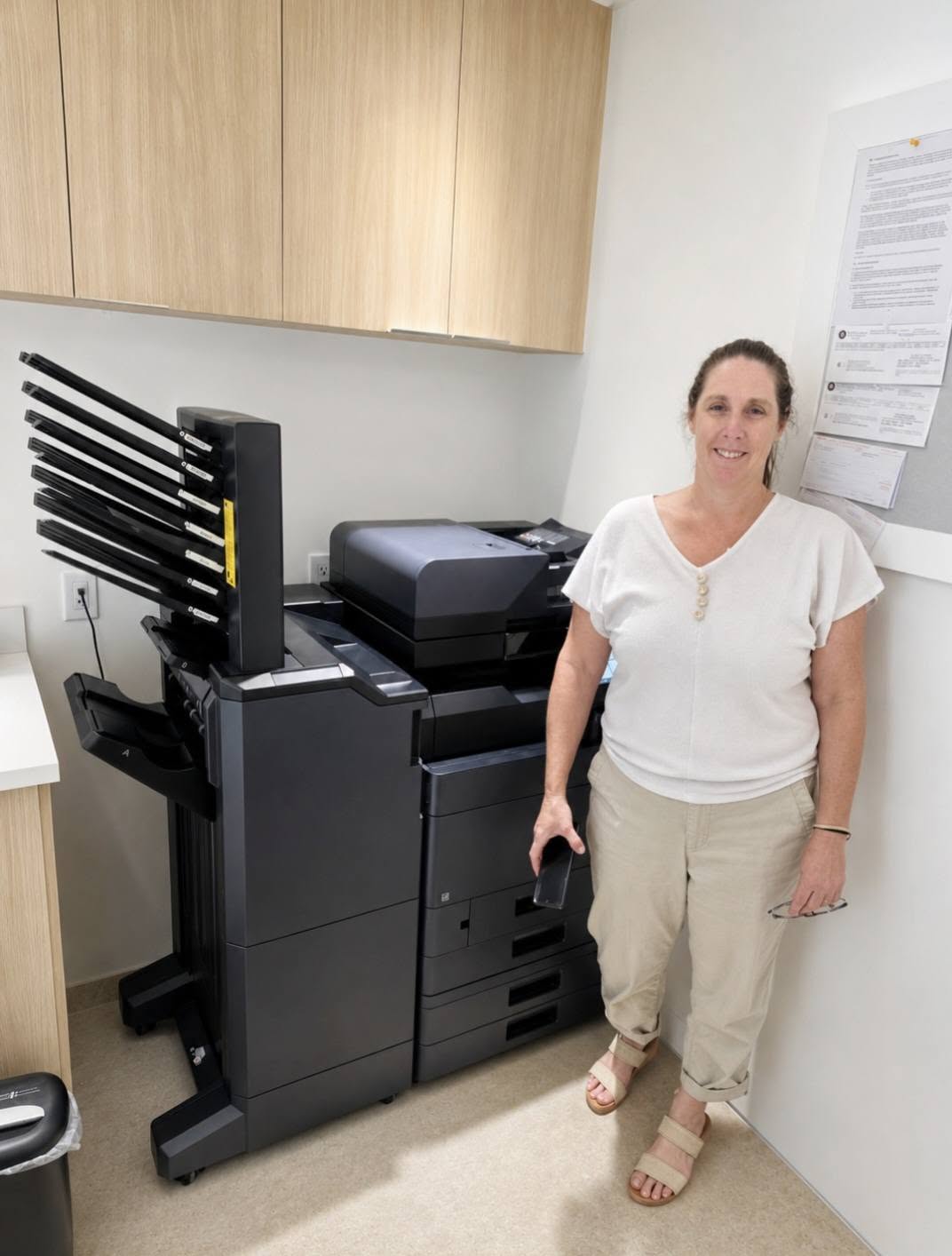
Giving Every User a Place for Output
The new Kyocera MZ series copier adds a different type of efficiency. Its multi-bin mailbox can route printed documents into designated bins for individual users or departments. Team members spend less time sorting through one shared output tray or wondering who picked up a document.
For offices comparing models and finishing configurations, STAT offers a full range of Kyocera color multifunction copiers for different speeds, volumes, paper-handling needs and workflows.
Why Multi-Bin Output Matters in a Busy Office
A mailbox finisher may look like a small equipment option, but its value becomes clear when several people regularly print to the same copier. Without separate bins, jobs accumulate together. Someone has to sort them, pages may be mixed into the wrong packet and confidential documents can remain in a common tray longer than intended.
Bin assignments can be organized by employee, department or document workflow. These are the details that make an office equipment recommendation useful. Speed and print quality matter, but paper handling, finishing and the path a document takes after it prints can have just as much influence on daily productivity.
The best office equipment plan does not begin with a model number. It begins with how people create, share, retrieve and use documents throughout the workday.
Supporting South Florida Businesses Beyond Installation Day
We are proud that this commercial builder has continued to place its trust in STAT Business Systems. Long-term customer relationships are earned by recommending equipment that fits, installing it properly and being available when service or support is needed.
STAT has helped South Florida businesses work smarter since 1986. From our Sunrise location, we serve companies throughout Broward, Miami-Dade and Palm Beach with copier leasing, wide-format systems, office printers, maintenance and local service. Whether a business needs one color copier or a coordinated fleet for several specialized workflows, we take the time to understand what the equipment must accomplish.
Planning an Office Equipment Upgrade?
Tell us what your team prints, the document sizes you use, how many employees share the equipment and where the current workflow slows down. We will help you compare practical KIP and Kyocera options without paying for features your office will not use.